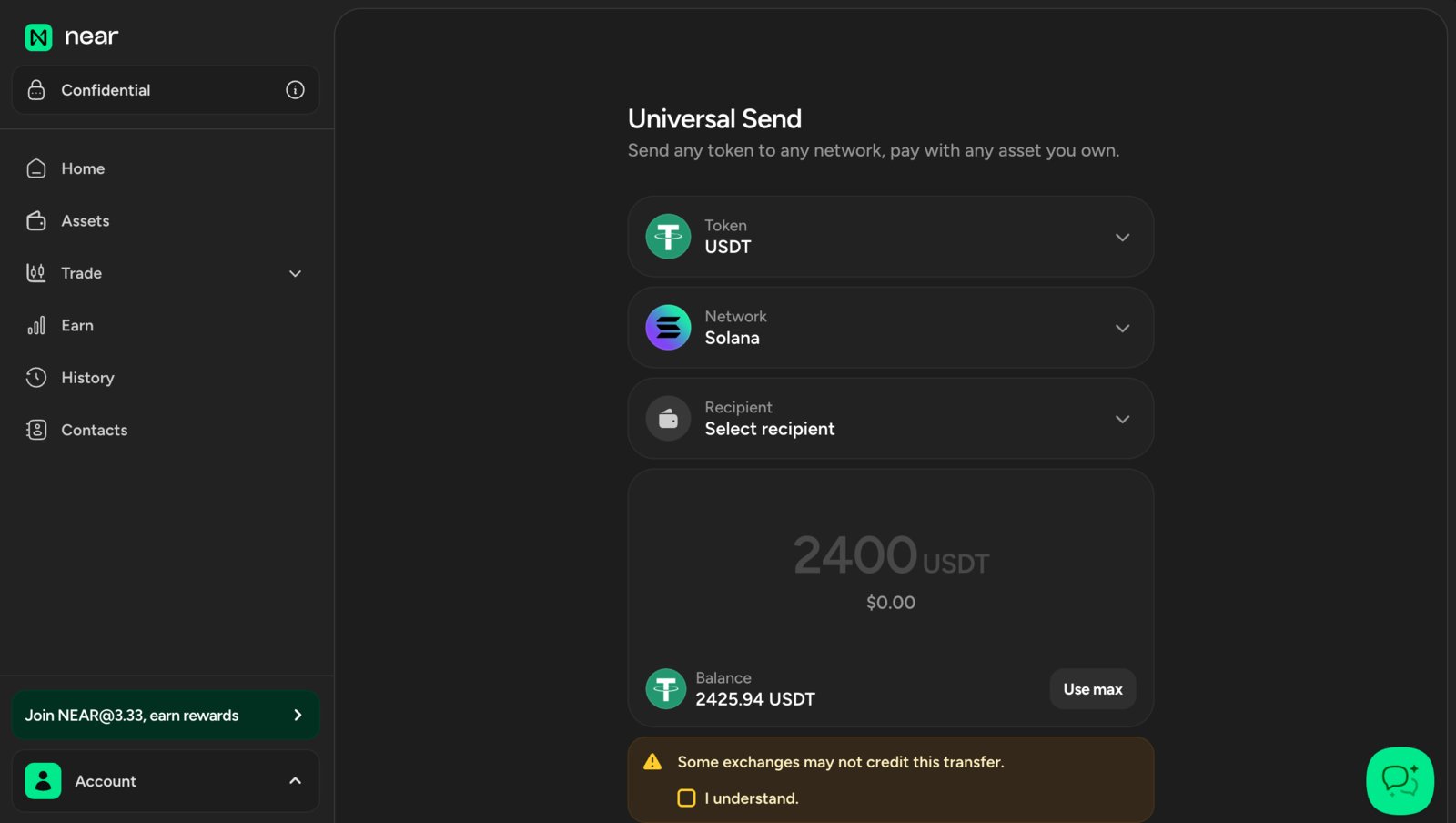
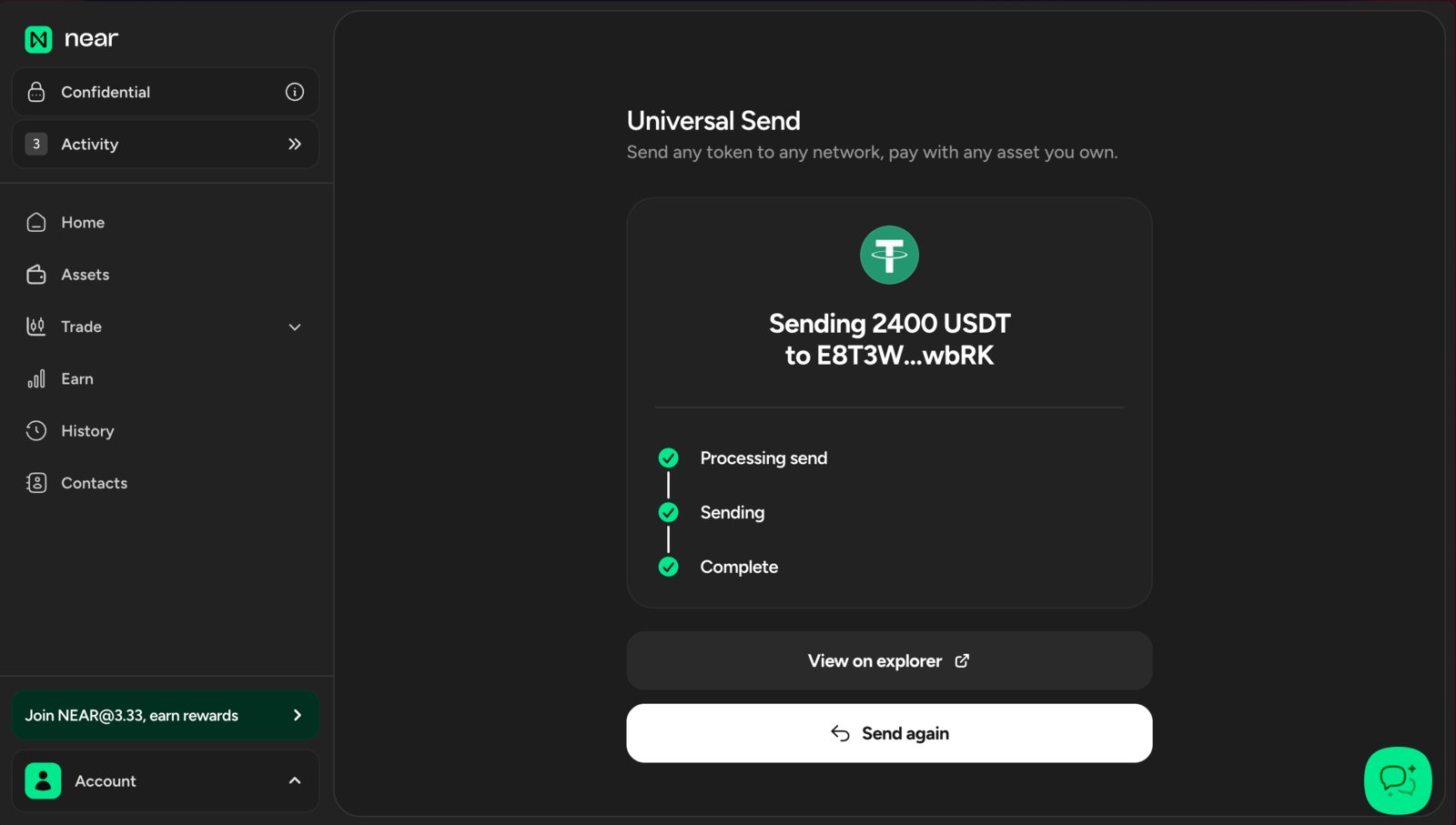
Just like public treasuries, confidential treasuries can send payments in all assets and chains supported by Trezu. Confidential treasuries can send payments to both near.com accounts and public wallet addresses, but in both cases the payment details and the sender’s information are hidden from the public. In this guide we will explain how to access and withdraw a confidential payment received on a near.com account, and how to transfer it to an external wallet.Documentation Index
Fetch the complete documentation index at: https://docs.trezu.org/llms.txt
Use this file to discover all available pages before exploring further.
Accessing and Withdrawing a Confidential Payment
Navigate to near.com and log in with the wallet where you received the payment (near.com supports a wide range of wallets, from multiple ecosystems).
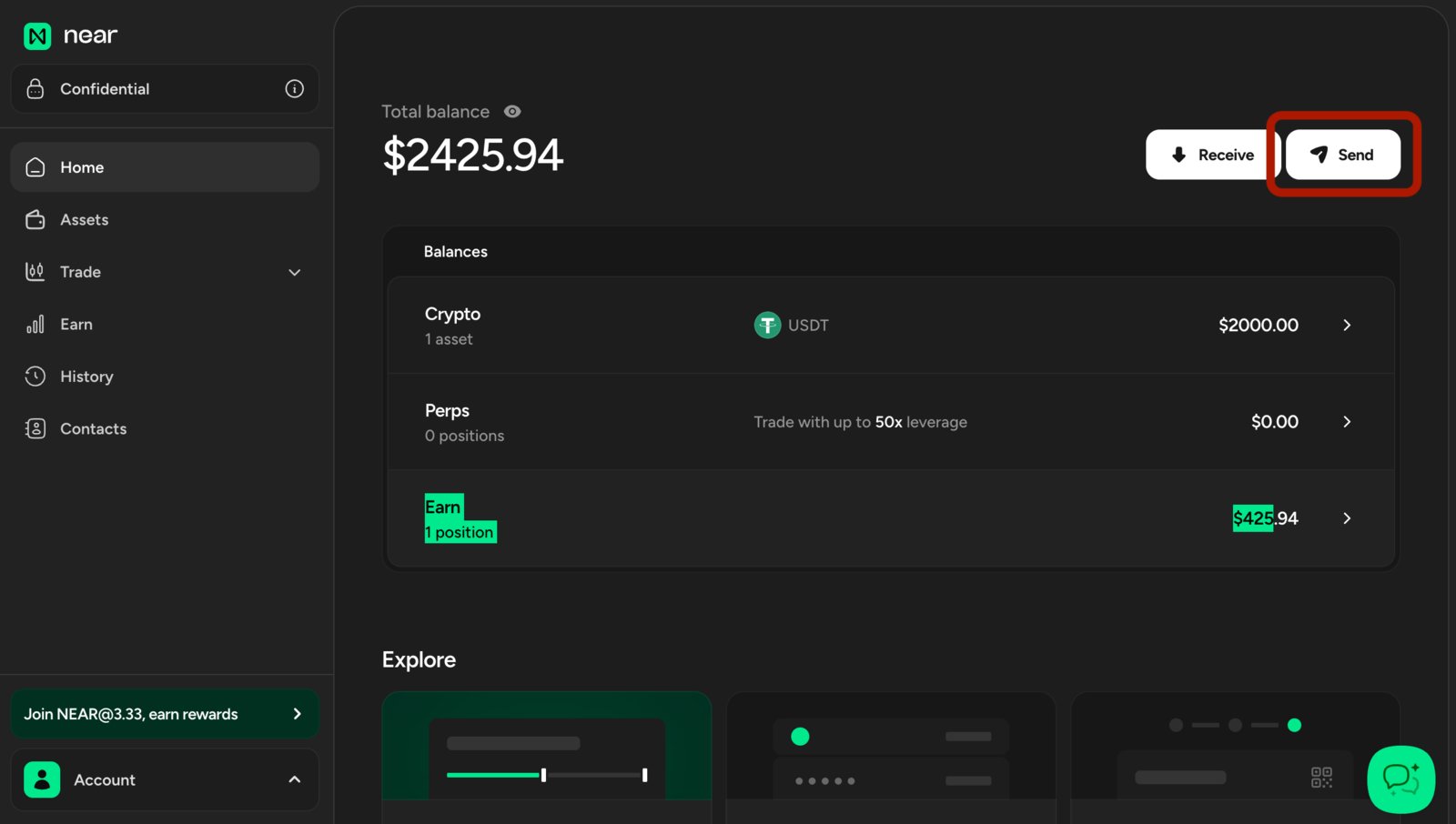
Once logged in, use the top left switch to enable confidential mode. You should see your private balance update to reflect the funds received from the confidential treasury.

Transfer and select the To Main option, this will allow you to transfer the funds to your main near.com balance, making them available for withdrawal to an external wallet.

Send to transfer the funds to your external wallet.