

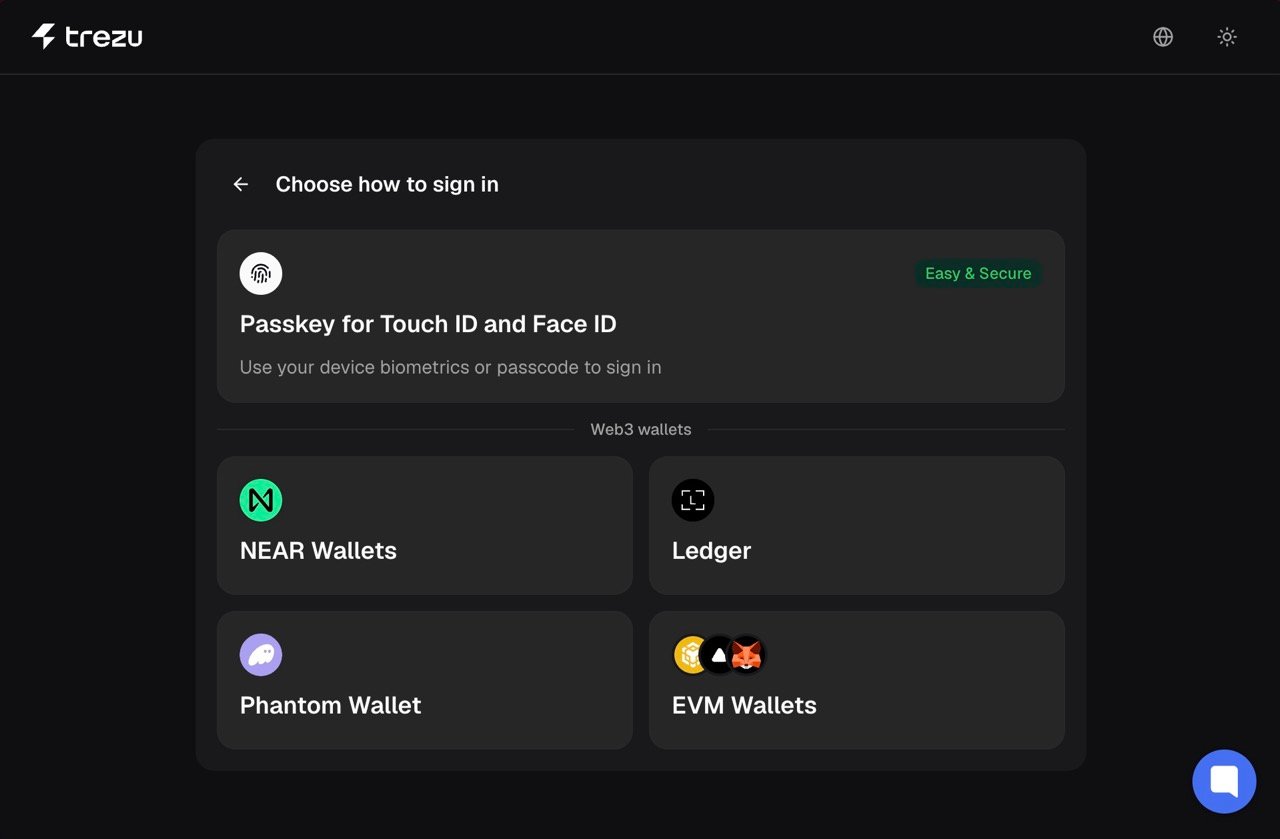
Trezu is a non-custodial solution, which means that your funds are always under your control.
Comparison of Login Methods
Passkeys
Passkeys are a secure authentication method that allows you to access Trezu using your own device’s authentication method, such as fingerprint or facial recognition.Using Passkeys
To start using passkeys, selectSign Up in the login modal. You will then be prompted to create a passkey on your device.
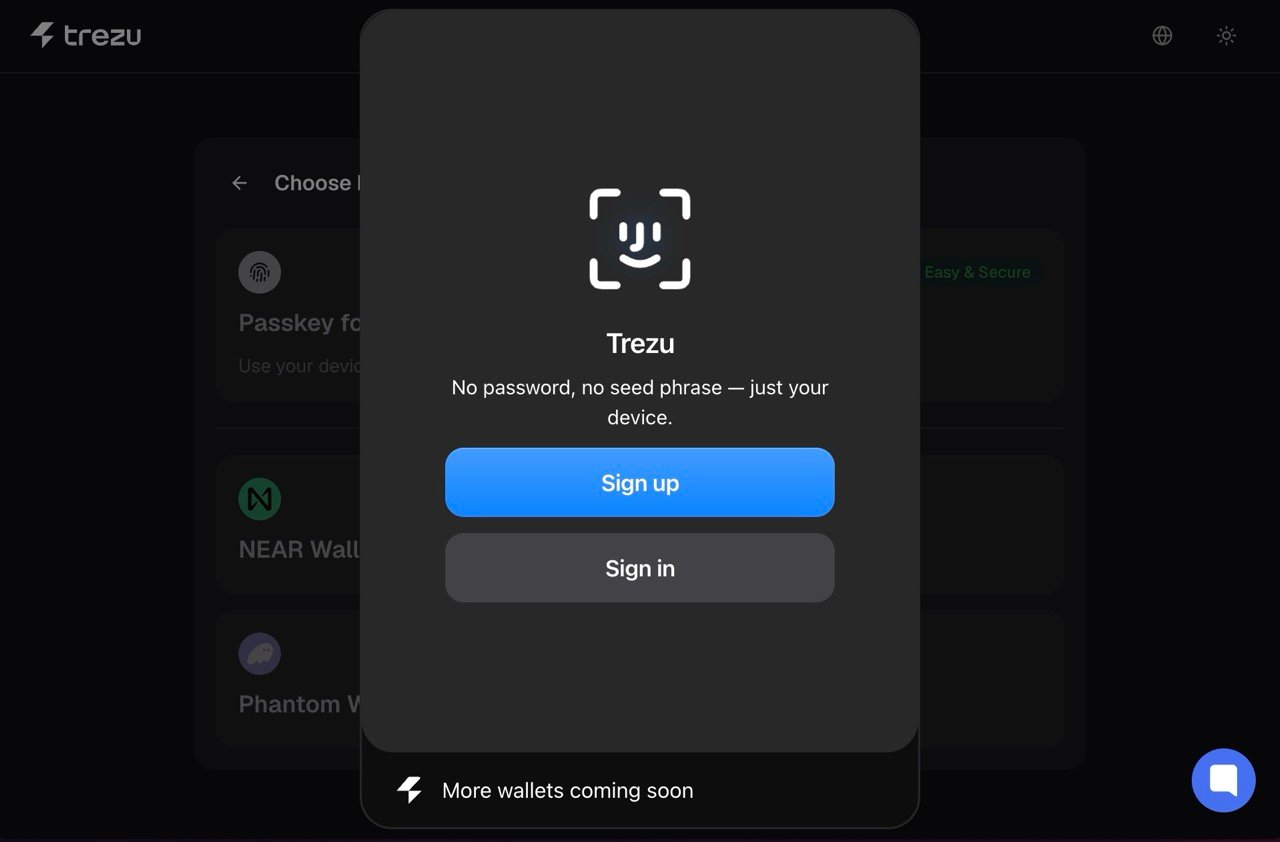
Sign In option to access Trezu using your passkey. Trezu will
automatically create an account for you, which you can then use to create a treasury
or join an existing one.
Crypto Wallets
Trezu supports some of the most popular wallets from Solana, Ethereum, and NEAR, including:
MetaMask

Phantom

Fireblocks

Binance Wallet

Meteor Wallet

and more...
Using a Crypto Wallet
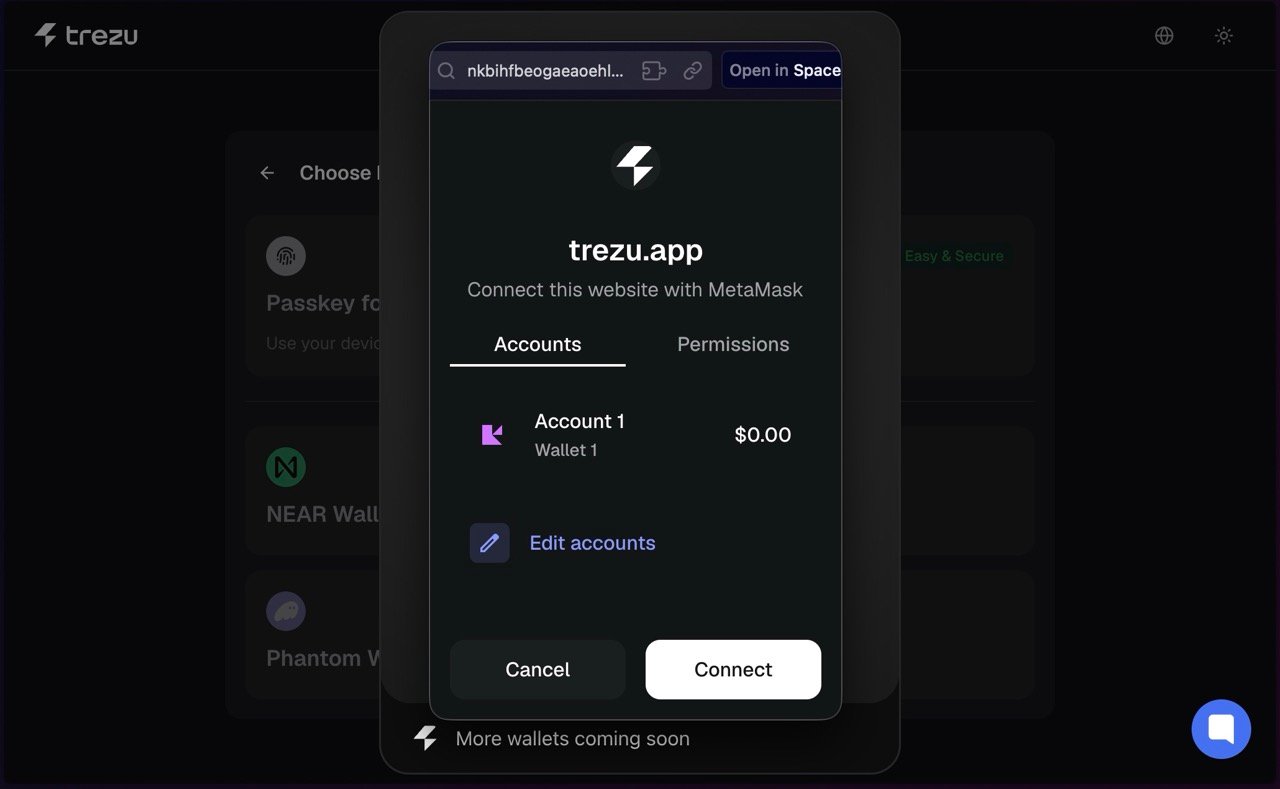
To connect with your wallet, simply select it from the login modal. If you do not see your wallet in the list, selectEVM Wallets. This lets you connect Ethereum-compatible
wallets through WalletConnect, including Coinbase Wallet, Rainbow, Trust Wallet, and many others.
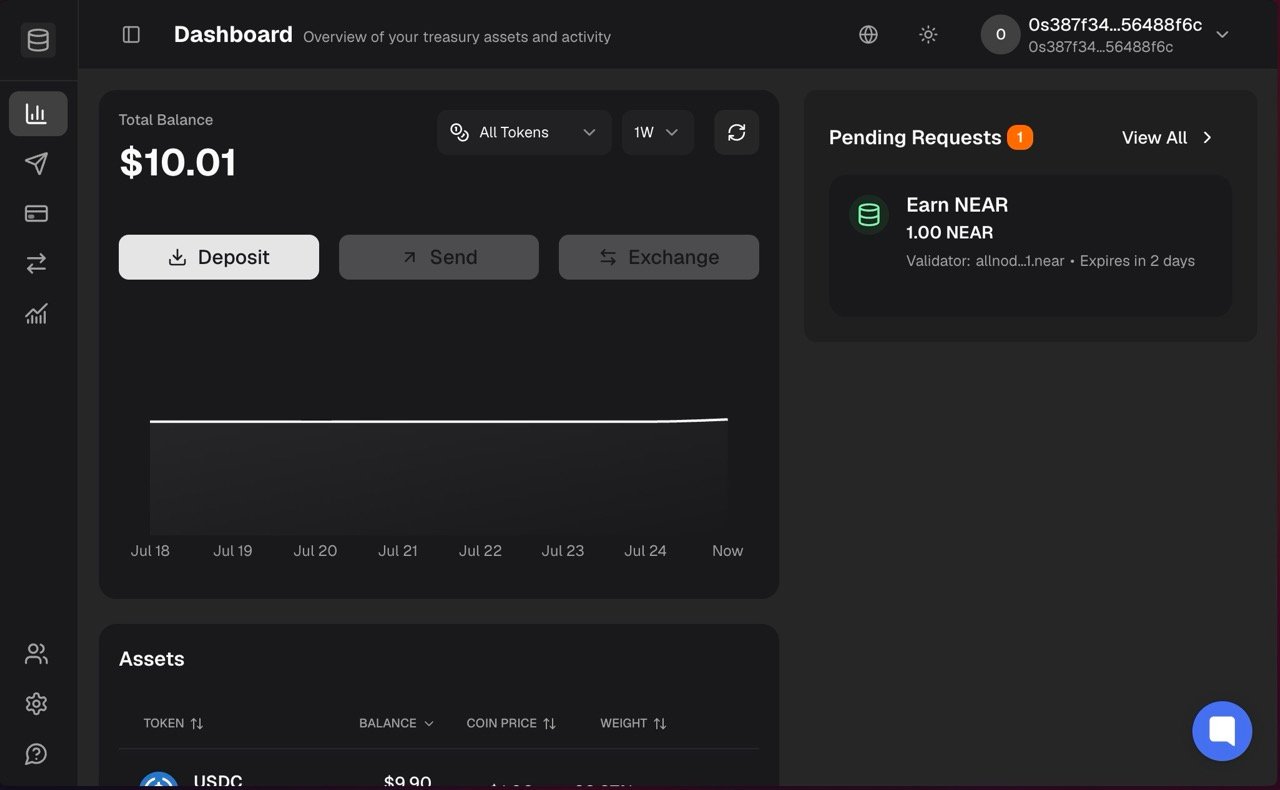
0s<40chars> (e.g. 0s387f...). This is
known as a deterministic account, and is derived from your wallet address. If you
log in from another device or browser, you will connect to the same NEAR account in
Trezu.
Hardware Wallets
Trezu supports Ledger, a popular hardware wallet that allows you to securely store your crypto assets offline. You can connect your Ledger device to Trezu and use it to manage your treasuries.Learn more about how to use Ledger with Trezu in our Ledger Guide
Frequently Asked Questions
Which methods should I use?
Which methods should I use?
Use passkeys if you are new to crypto wallets, or if you want to create a separate account for Trezu that is secure and easy to use. Otherwise, you can use your wallet if you already have one.
Do all login methods have access to the same features?
Do all login methods have access to the same features?
Yes, all login methods have access to the same features and functionality. The only difference is the way in which you authenticate and access your treasuries.
If I log in with my wallet, does Trezu have access to my funds?
If I log in with my wallet, does Trezu have access to my funds?
Both your funds and your treasuries’ funds are always under your control. Trezu is a non-custodial solution, which means that we do not hold your keys or funds, and never have access to them.
I logged in with my crypto wallet, but see a different address connected
I logged in with my crypto wallet, but see a different address connected
When you log in with an Ethereum or Solana wallet, we automatically create a new account
for you in NEAR Protocol, the blockchain where Trezu lives.This account is deterministically derived from your wallet address, so if you log in from another
device or browser, you will see the same NEAR account connected to your wallet.