

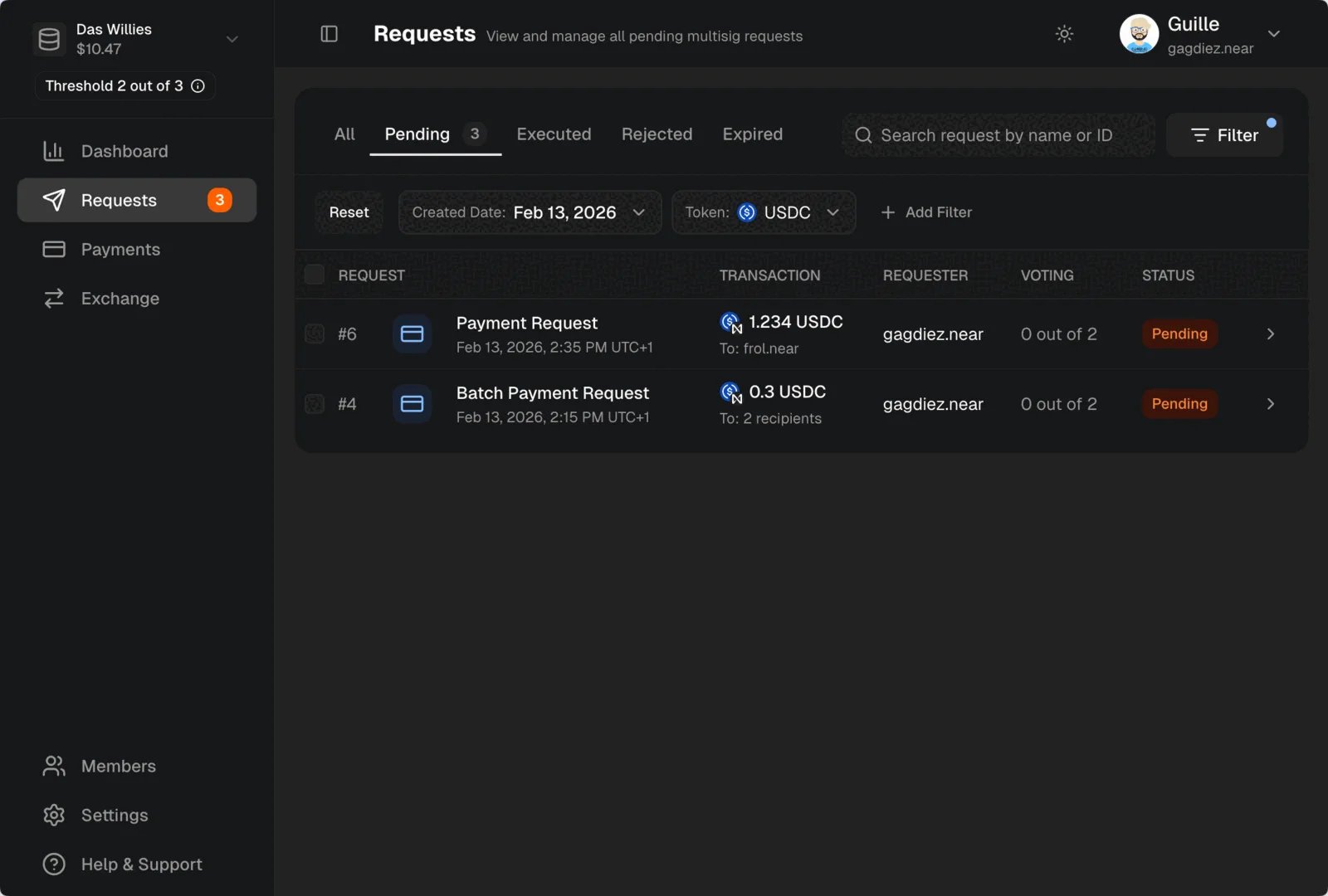
Pending request in the Requests section.
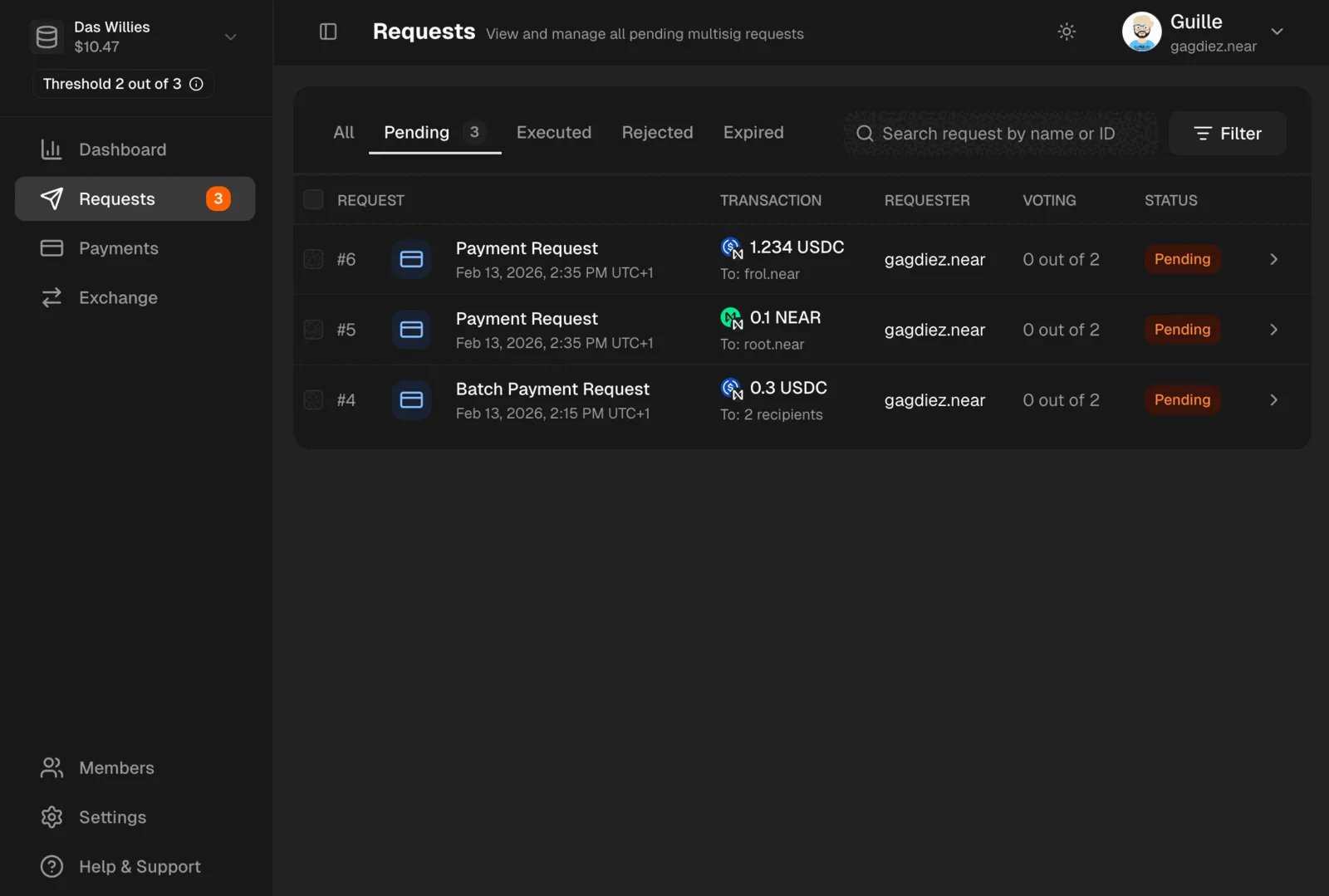
Requests section in the left sidebar to see all pending payment requests. You can filter and sort requests to find the one you want to review and vote on.
Voting on a Request
Click on a request to review its details, including the recipient, the amount, the token, and any comments added by the requester. After reviewing the request, you can cast your vote to either approve or reject it.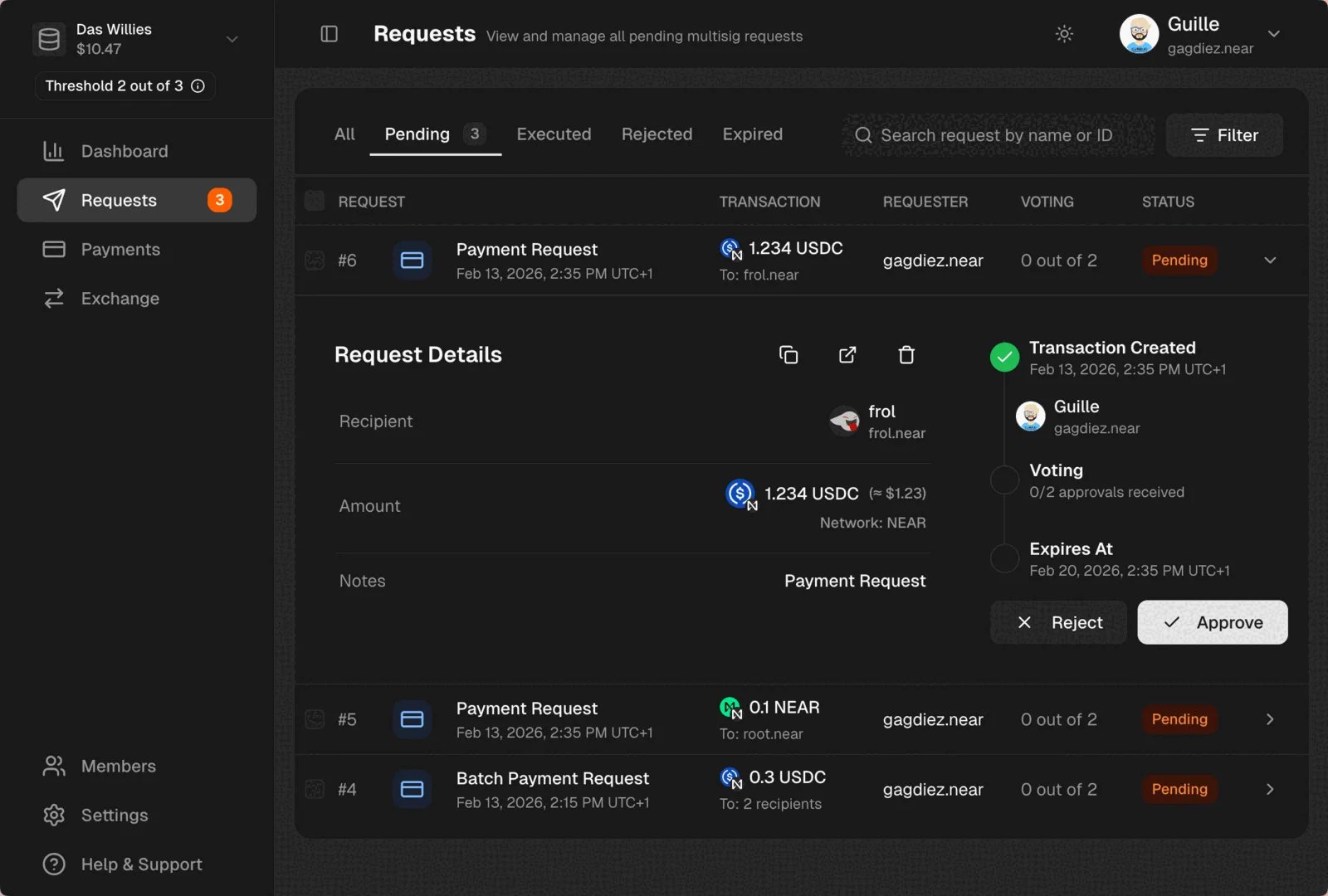
If the treasury does not have enough funds to cover the payment request, you will need to top up the treasury with the required tokens before the request can be approved.
Receipts
Once a payment request is approved and executed, you can generate a PDF receipt to share with the recipient as a proof of payment. Simply click on the payment you want to generate a receipt for, and then click on theGenerate PDF Receipt button.
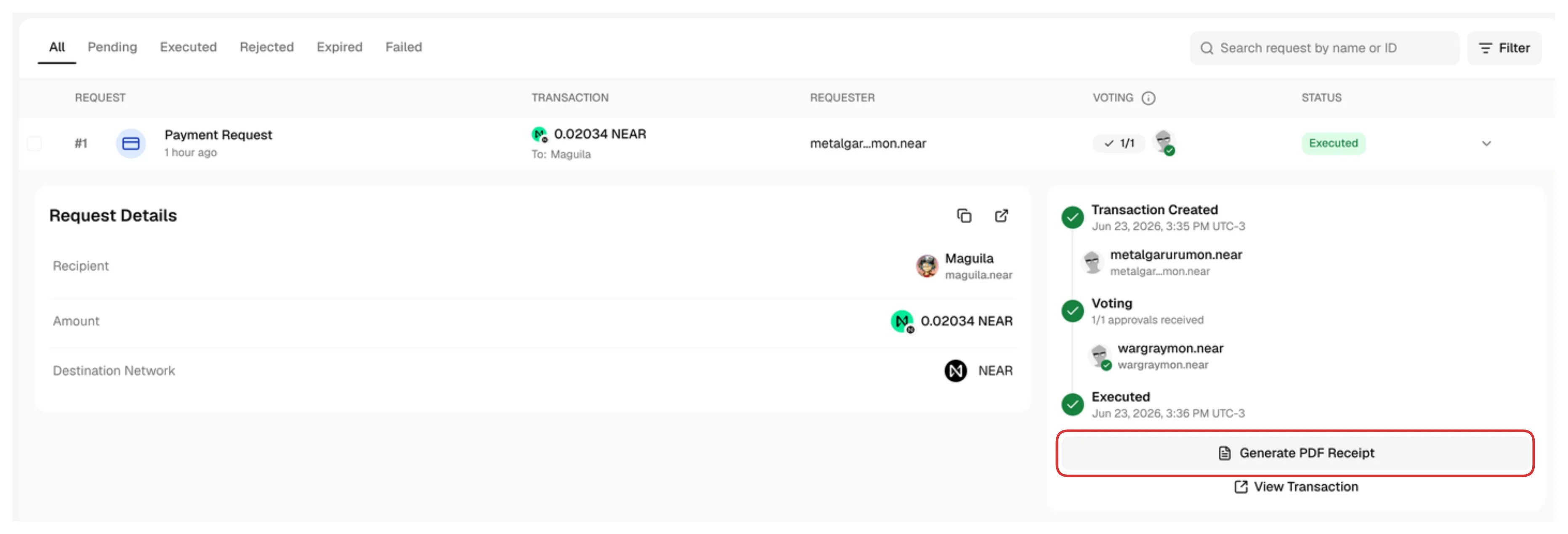
Confidential treasuries do not allow sharing receipt links, but you can still generate a PDF receipt and share it with the recipient.
Filtering Payment Requests
You can filter payment requests by the following fields:Request Type, Created Date, Recipient, Token, Requester, Approver, My Vote status.
To filter payment requests, click on the Filter icon:
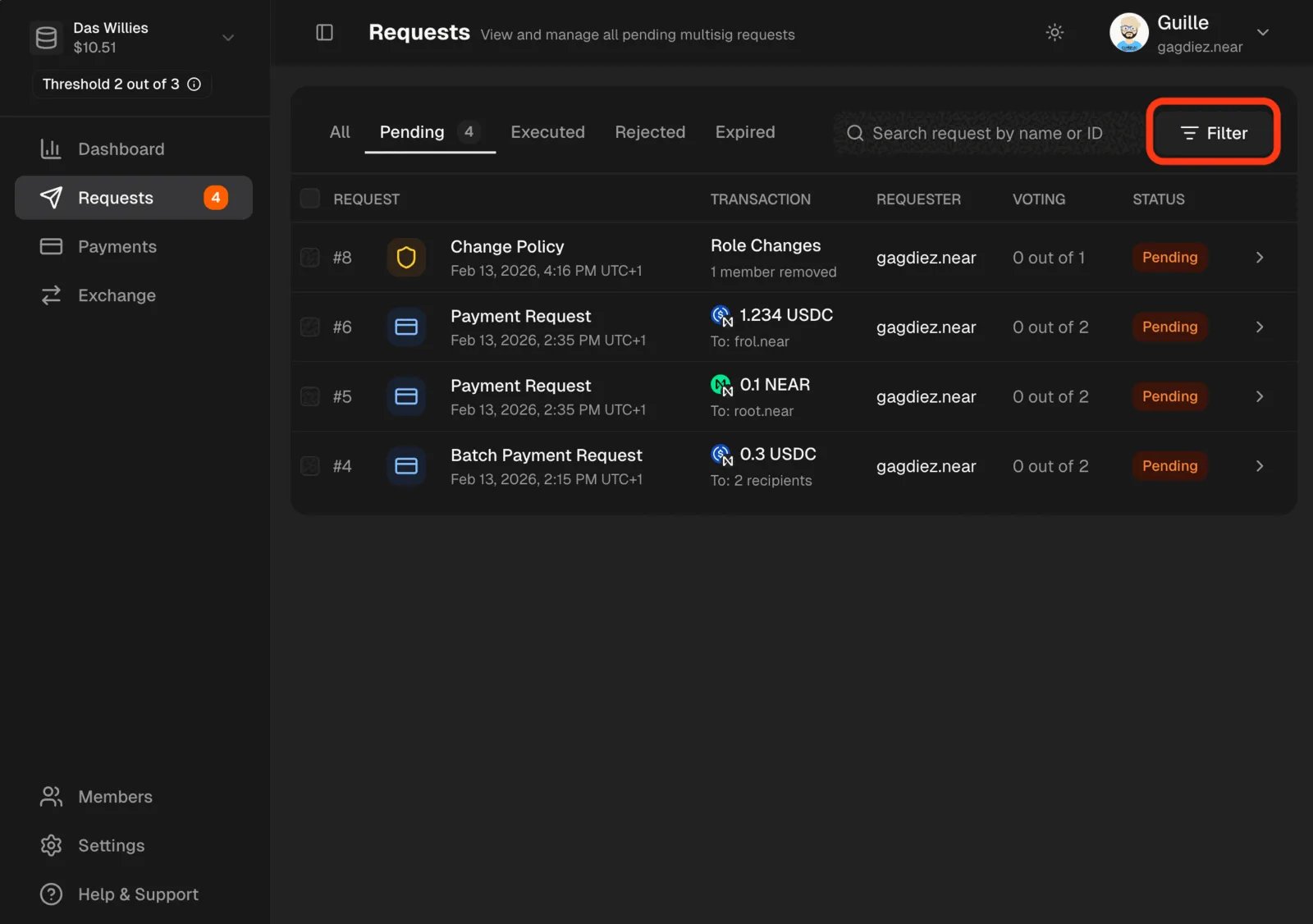
To see only payment requests, filter by
Request Type -> Payments.