

Pending request in the Requests section of the left sidebar.
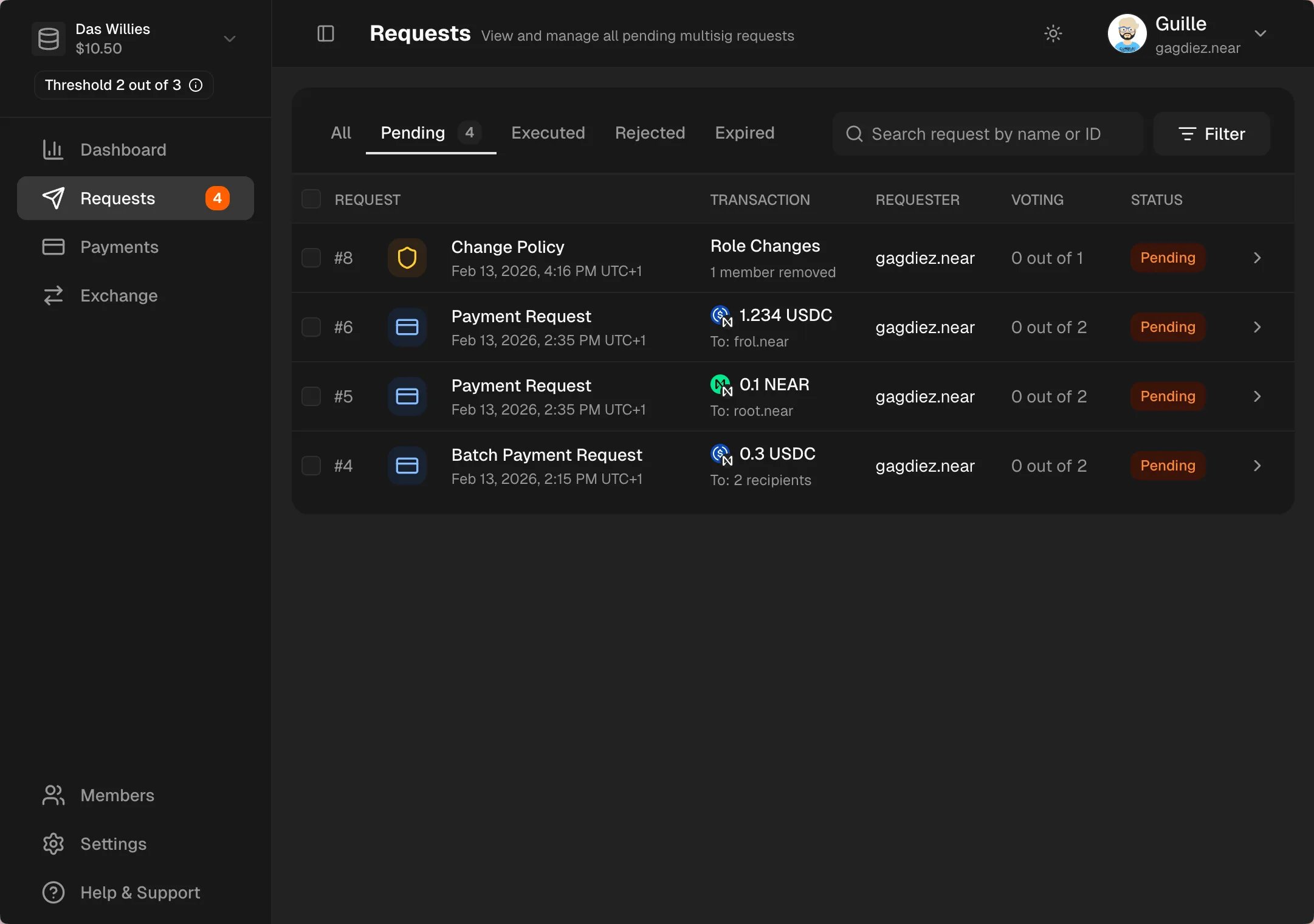
Requests section in the left sidebar to see all pending governance requests. You can filter and sort requests to find the one you want to review and vote on.
Voting on a Request
Click on a request to review its details, including the type of request, the proposed changes, and any comments added by the requester. After reviewing the request, you can cast your vote to either approve or reject it.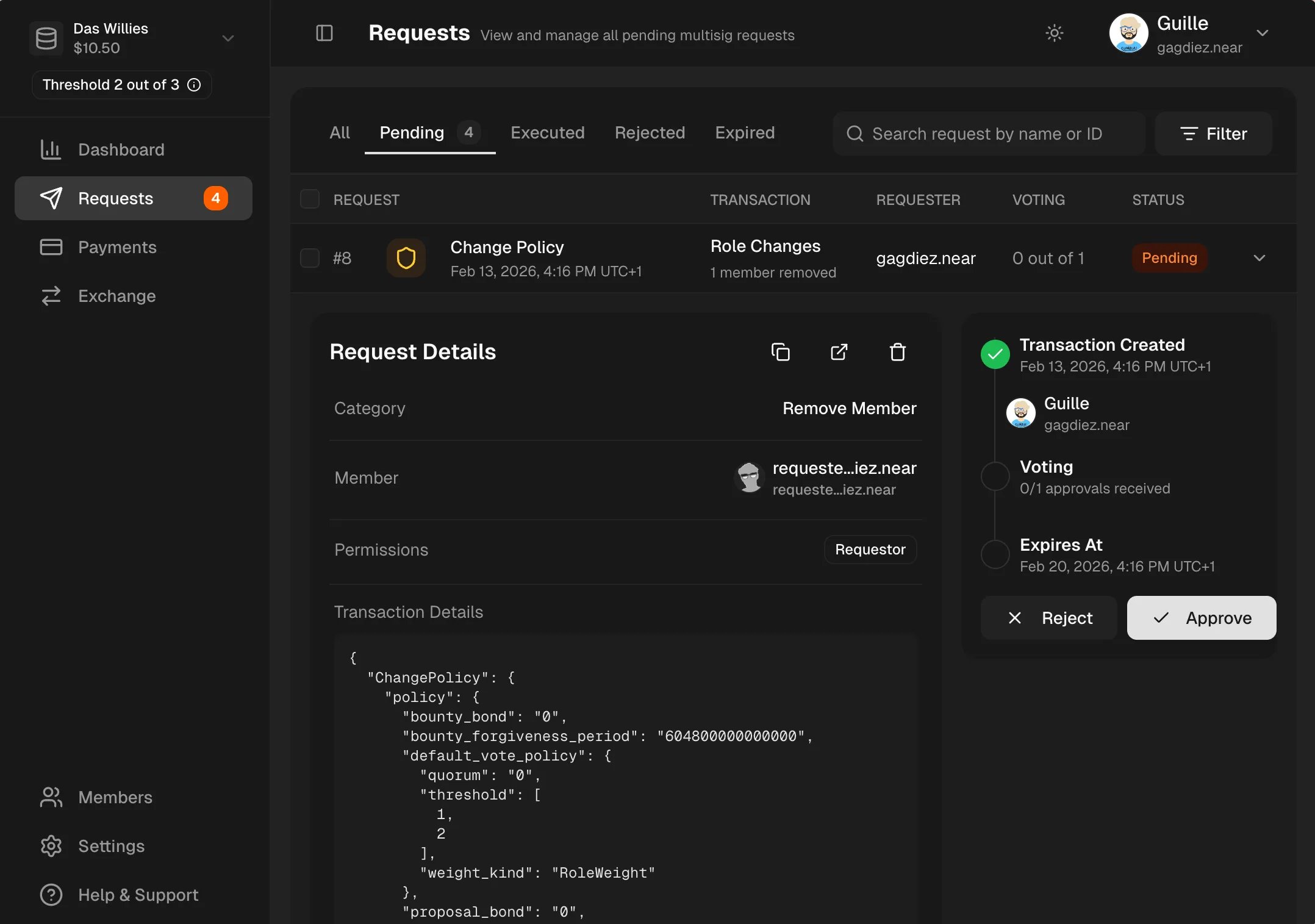
Filtering Governance Requests
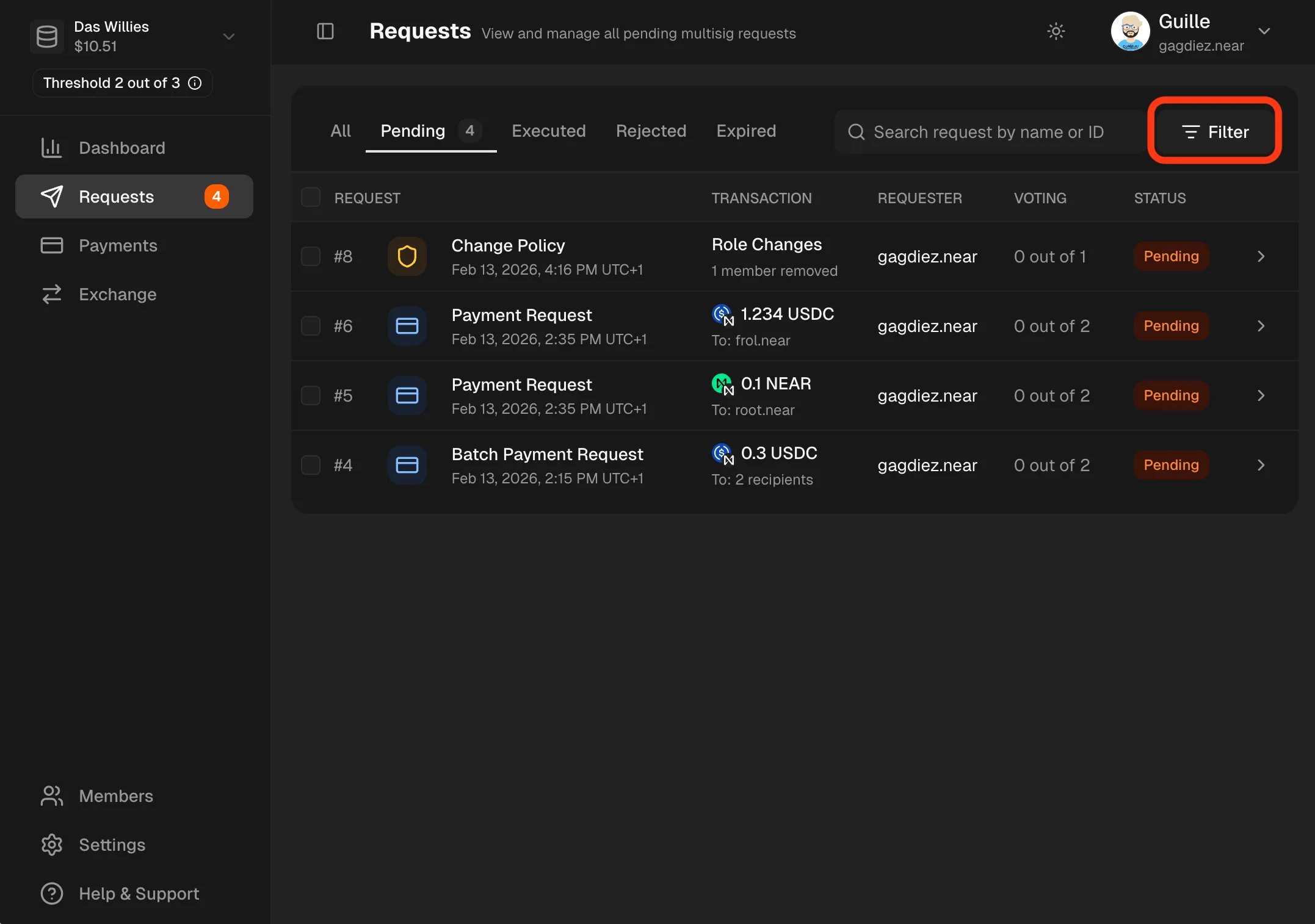
You can filter governance requests by the following fields:Request Type, Created Date, Recipient, Token, Requester, Approver, My Vote Status.
To filter governance requests, click on the Filter icon:
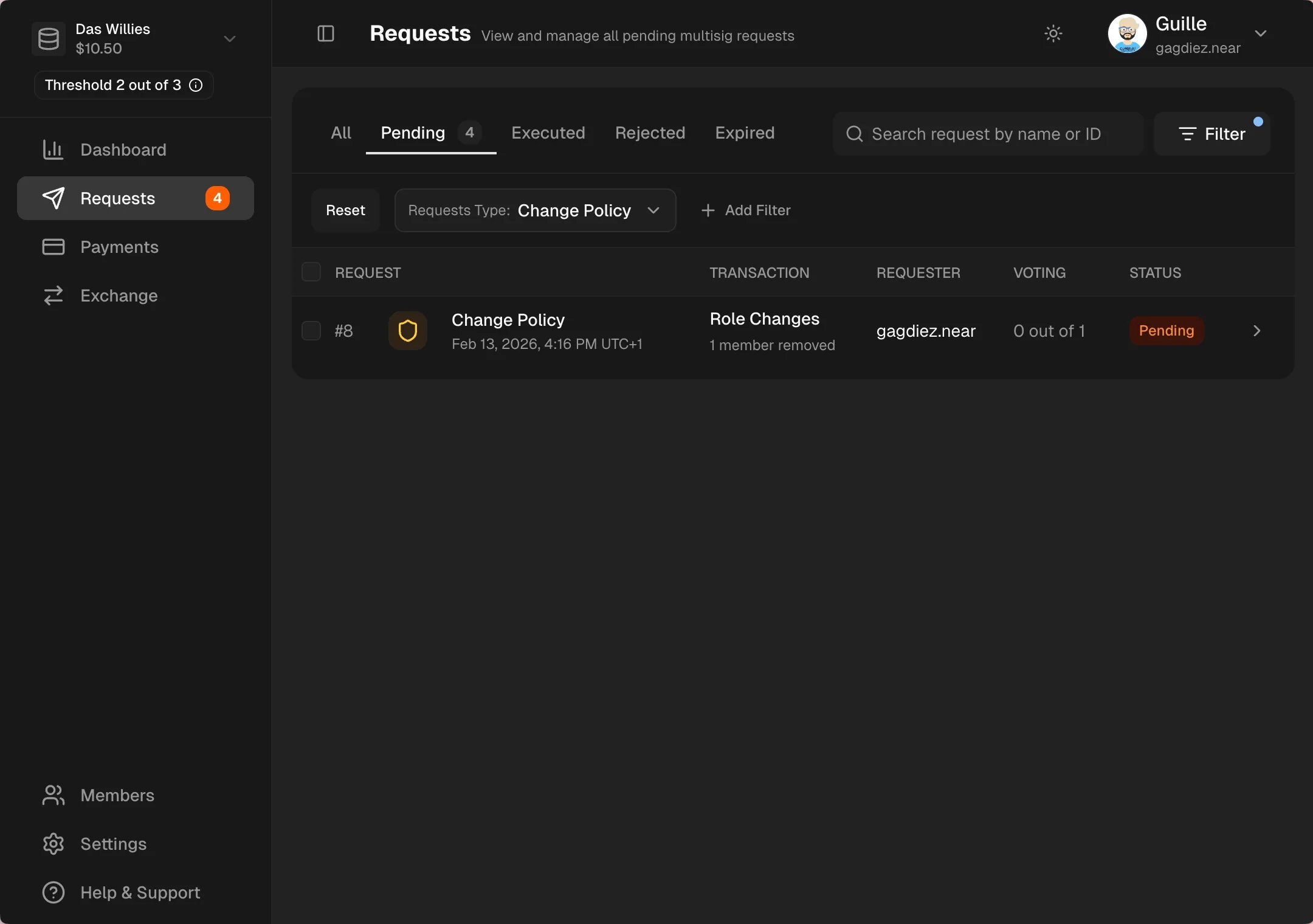
To see only governance requests, filter by
Request Type -> Change Policy