> ## Documentation Index
> Fetch the complete documentation index at: https://docs.trezu.org/llms.txt
> Use this file to discover all available pages before exploring further.
# Handling Governance Requests
> Manage governance requests in your treasury
Once a request is created - either to change a [team member's role](/governance/members-and-roles) or to [change a voting threshold](/governance/voting-settings) - it is listed as a `Pending` request in the `Requests` section of the left sidebar.
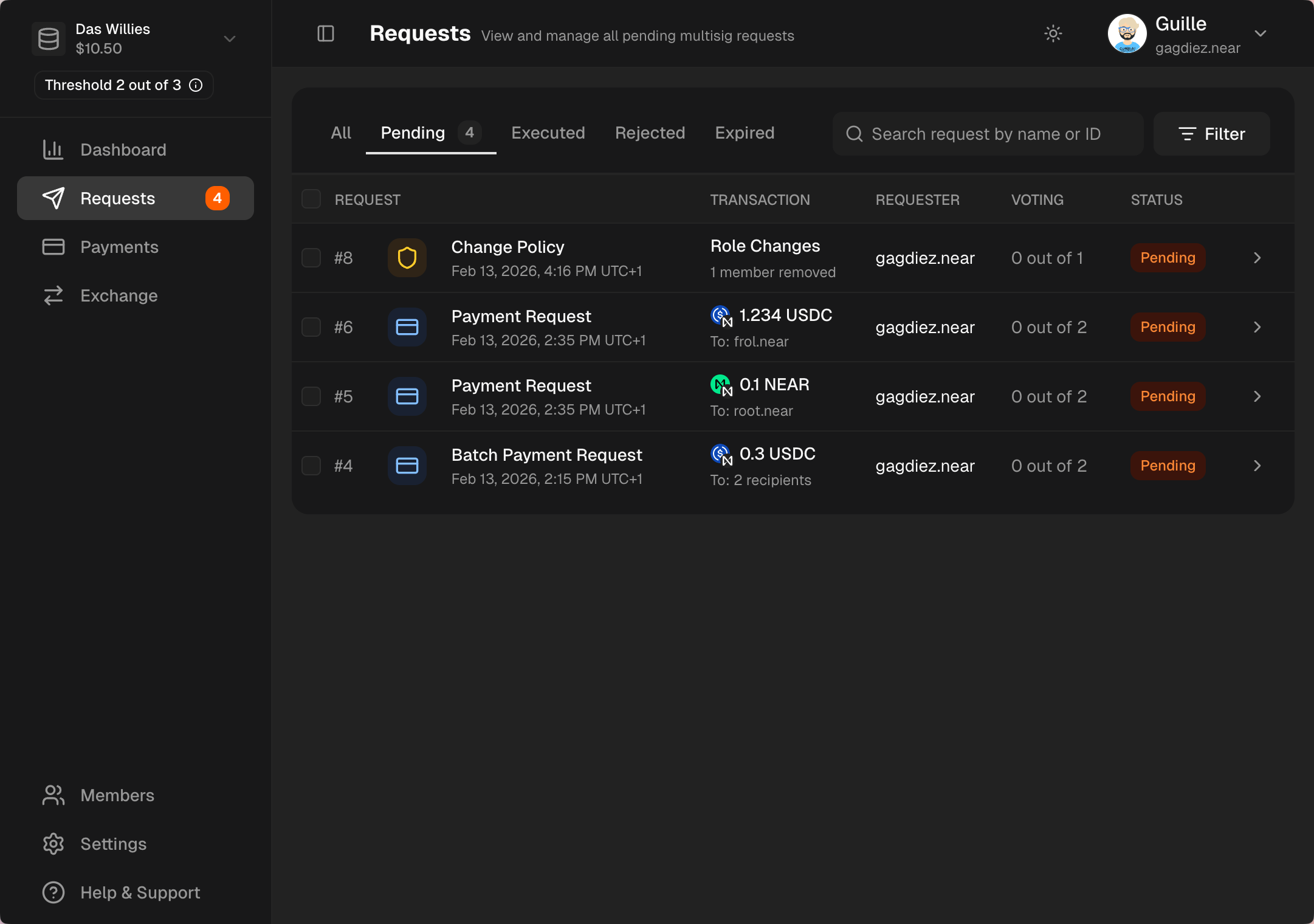 Navigate to the `Requests` section in the left sidebar to see all pending governance requests. You can filter and sort requests to find the one you want to review and vote on.
***
## Voting on a Request
Click on a request to review its details, including the type of request, the proposed changes, and any comments added by the requester. After reviewing the request, you can cast your vote to either approve or reject it.
Navigate to the `Requests` section in the left sidebar to see all pending governance requests. You can filter and sort requests to find the one you want to review and vote on.
***
## Voting on a Request
Click on a request to review its details, including the type of request, the proposed changes, and any comments added by the requester. After reviewing the request, you can cast your vote to either approve or reject it.
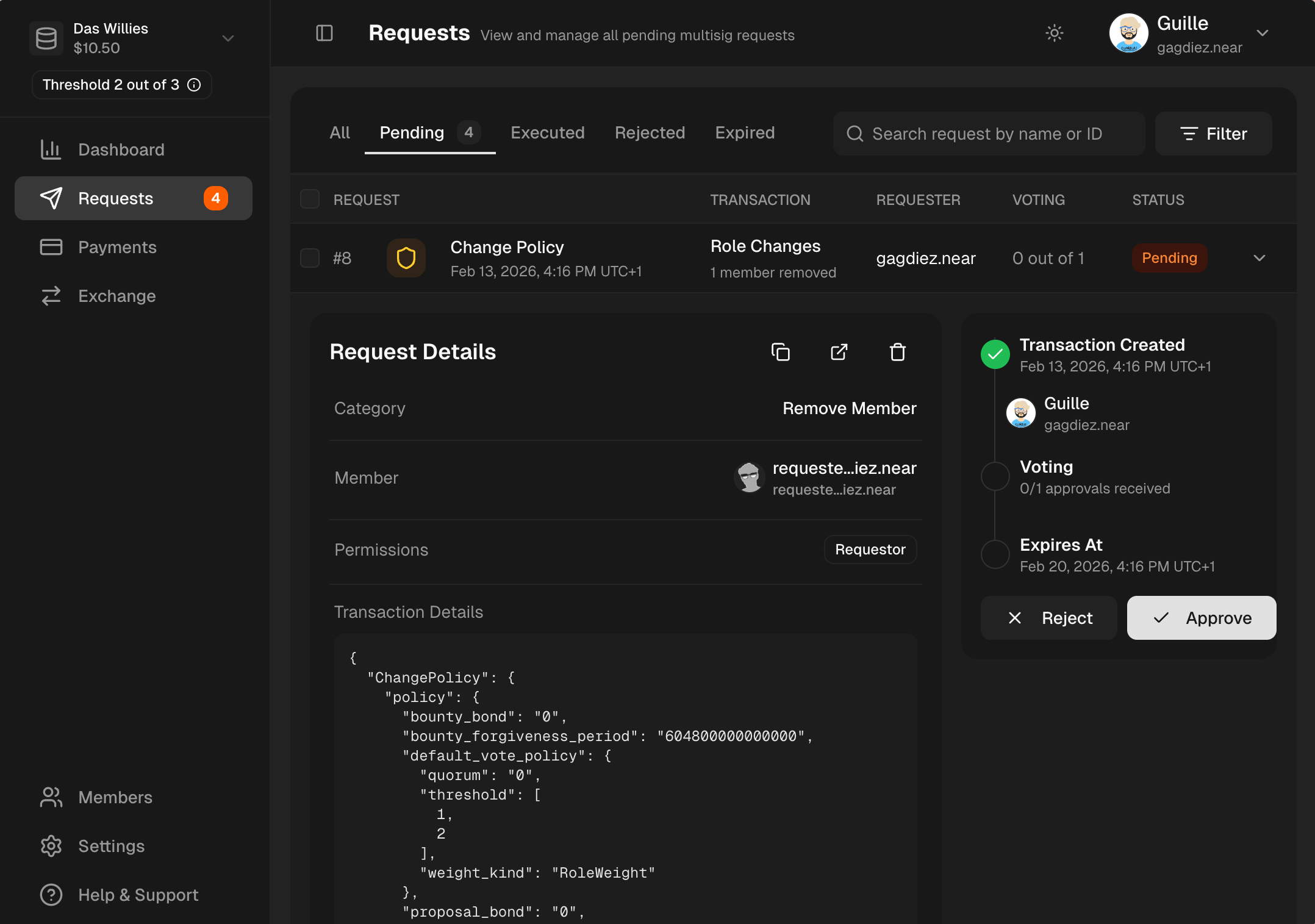 Only team members with the **[Governance](/governance/members-and-roles#governance) role** can review request details and cast a vote to either **approve** or **reject**.
***
## Filtering Governance Requests
You can filter governance requests by the following fields: `Request Type`, `Created Date`, `Recipient`, `Token`, `Requester`, `Approver`, `My Vote Status`.
To filter governance requests, click on the **`Filter`** icon:
Only team members with the **[Governance](/governance/members-and-roles#governance) role** can review request details and cast a vote to either **approve** or **reject**.
***
## Filtering Governance Requests
You can filter governance requests by the following fields: `Request Type`, `Created Date`, `Recipient`, `Token`, `Requester`, `Approver`, `My Vote Status`.
To filter governance requests, click on the **`Filter`** icon:
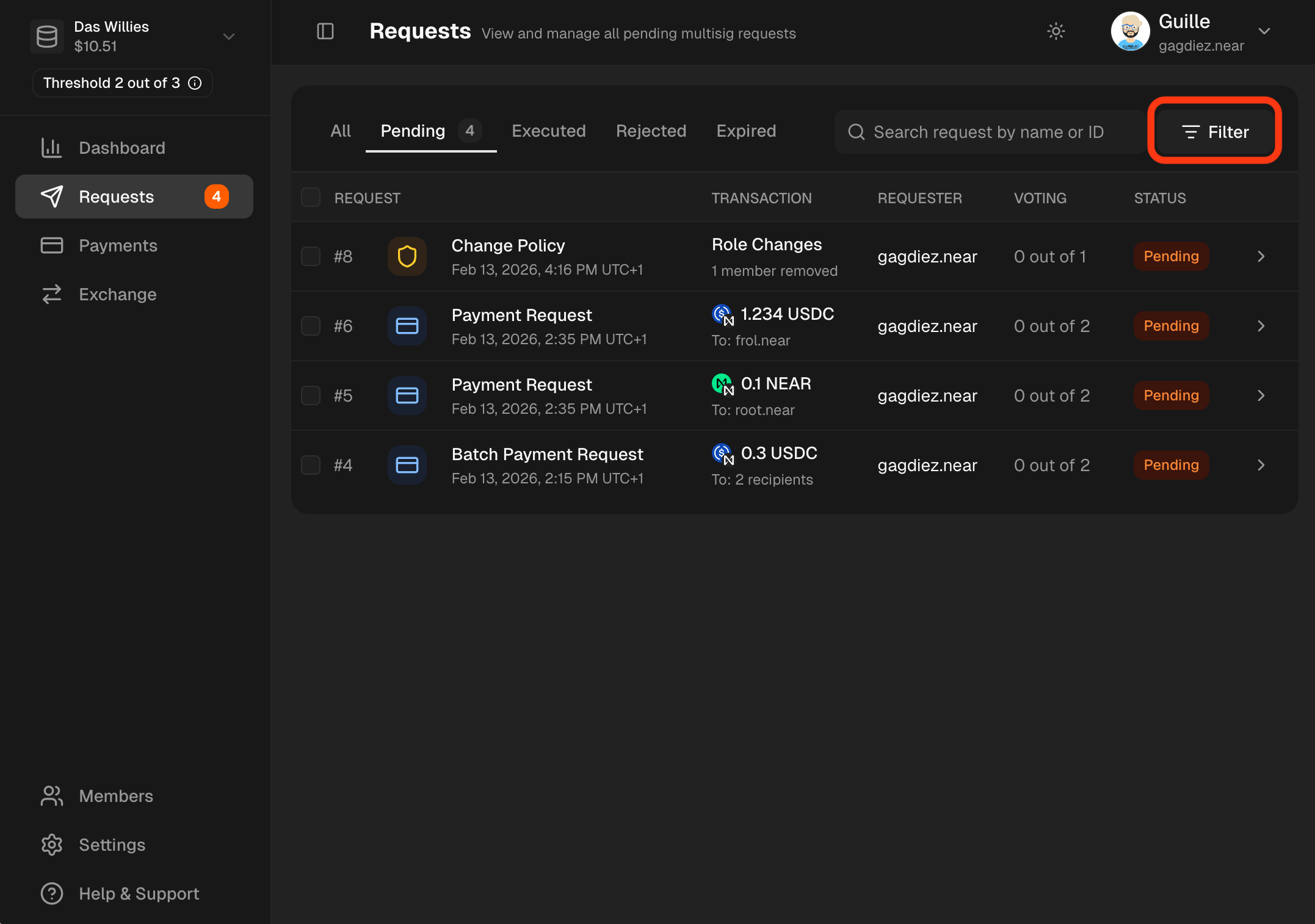 Then simply add as many filters as needed:
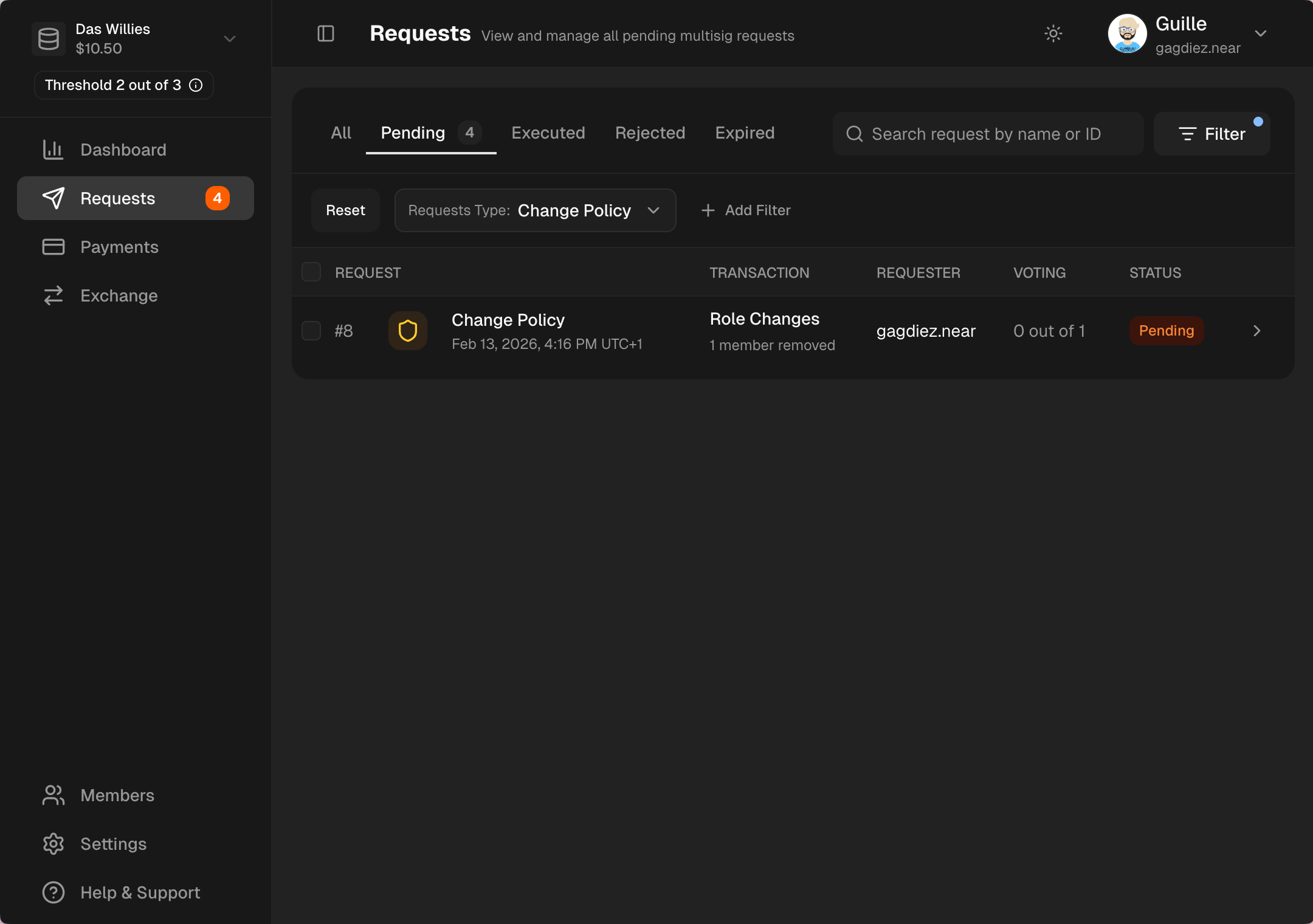 To see only governance requests, filter by `Request Type` -> `Change Policy`